Videos on BlackBird, from your first trade to the settings behind each part of it. New to BlackBird? Start with the getting started series below.
Getting started series
Short lessons that build on each other, starting from a single trade.
 2:24
Before you start
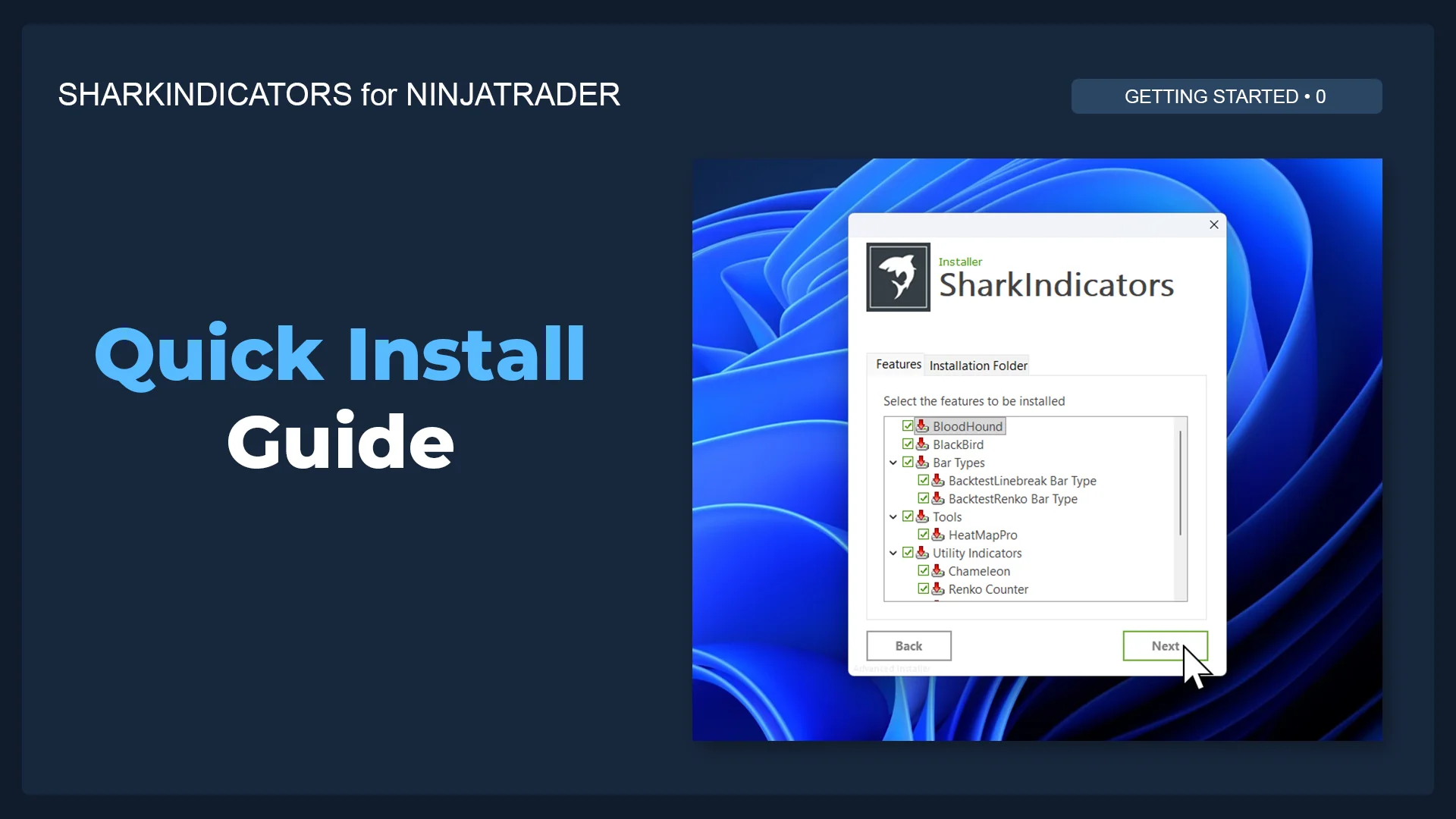
Install BlackBird & BloodHound for NinjaTrader
Install BlackBird and BloodHound in NinjaTrader with the SharkIndicators installer.
 6:27
Start here
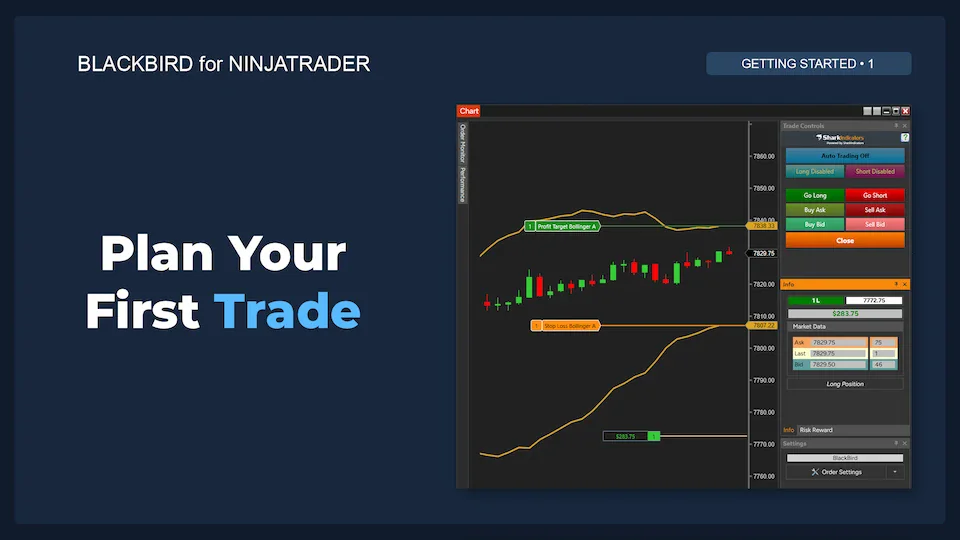
1. Plan Your First BlackBird Trade
Set up a single bracket with a stop-loss and profit target placed at the Bollinger Bands, and get a simulated trade on the chart. BlackBird places and manages your first bracket.
 8:34
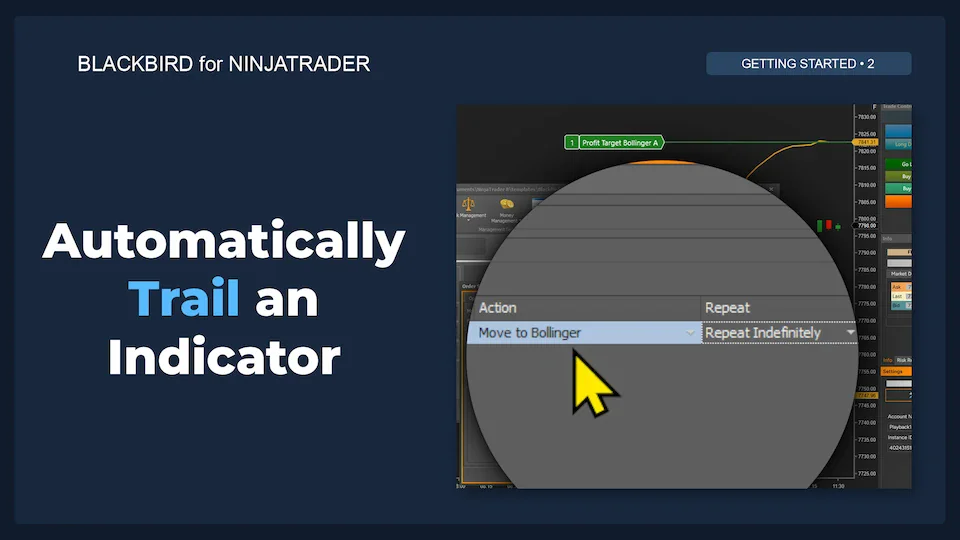
2. Automatically Trail Your Stop Loss
Starting from the first trade, add a Trailing Action that moves the stop-loss as the Bollinger Band moves.
 14:05
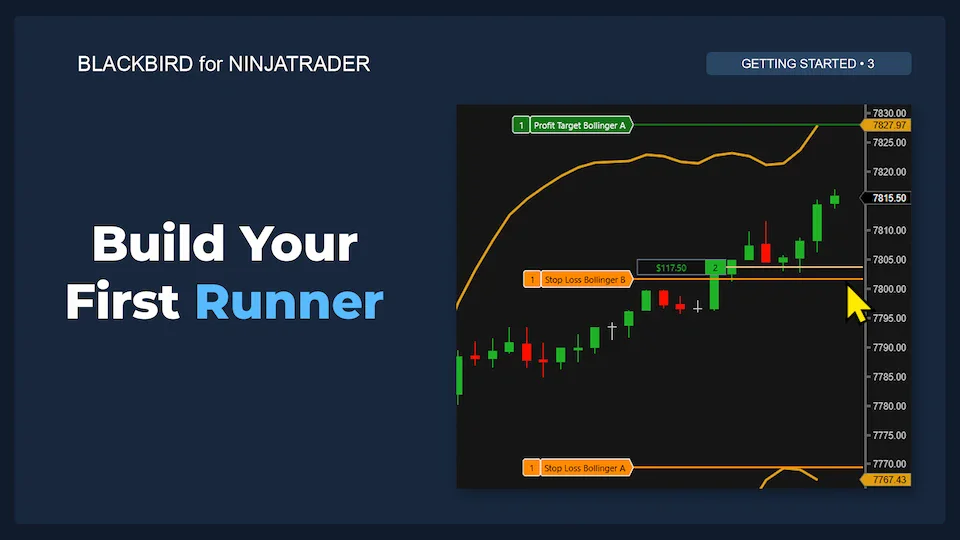
3. Scale Out of Trades and Let Your Winners Run
Take some profit but leave part of the position open in case the market keeps moving: one entry, two independently managed exits.
 7:46
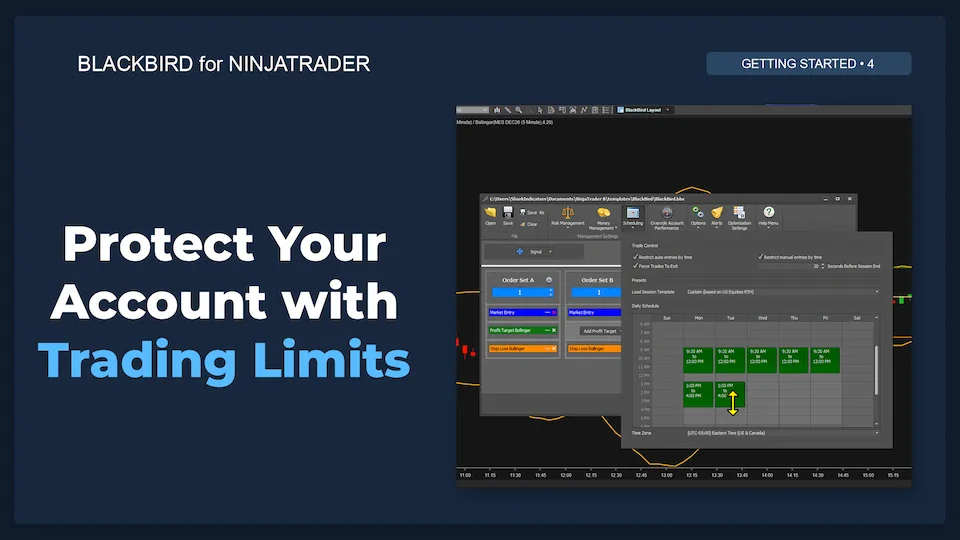
4. Protect Your Account with Trading Limits
Daily safeguards that decide when automated trading stops for the day, to protect profits and limit losses.
 4:22
Next Steps (placeholder)
This new video series for late 2026 is still being recorded. In the meantime, find learning resources to continue your journey.
Settings walkthroughs
Previous workshop sessions that go through each part of the BlackBird settings window. Use the chapters to jump to a topic.
 1:39:00
Management buttons
Files, risk and reward, money management, scheduling and options. Alerts are covered in this update video (from 18:12).
 1:08:10
Trade signals
Executing trades from BloodHound signals and from third-party indicator signals.
 3:24:34
Order sets
Entry, profit target and stop-loss orders, order management options, and building trailing rules.
How-to videos
Answers to common questions, each showing one setup from start to finish.
 1:16:30
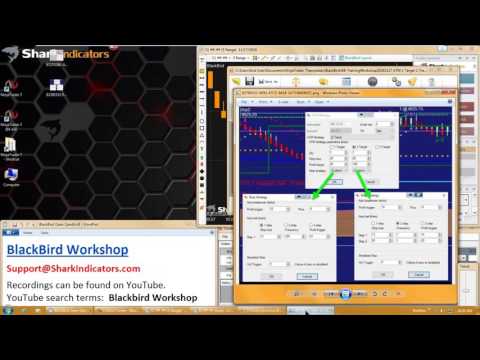
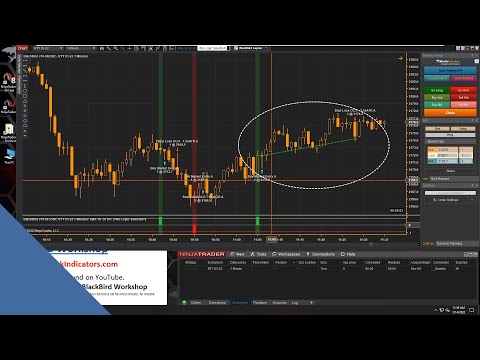
Converting an ATM into BlackBird
Recreate a NinjaTrader ATM strategy in BlackBird, plus an overview of backtesting.
 19:28
 20:33
Best practice for using an indicator to set the stop-loss price
How to place a stop-loss from an indicator safely.
 52:03
Set a stop-loss or target at the closer of two price points
Use whichever of two changing prices is closer to the entry.
 47:02
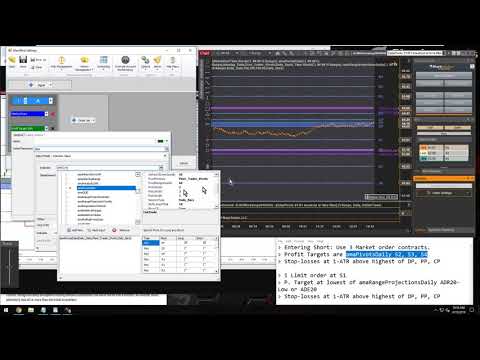
Set a stop-loss or profit target at the furthest of three indicator lines
Use whichever of three indicator lines is farthest away.
 12:54
Set up an entry order to follow an indicator
A limit entry that trails the Bollinger Bands until it fills.
 12:47